
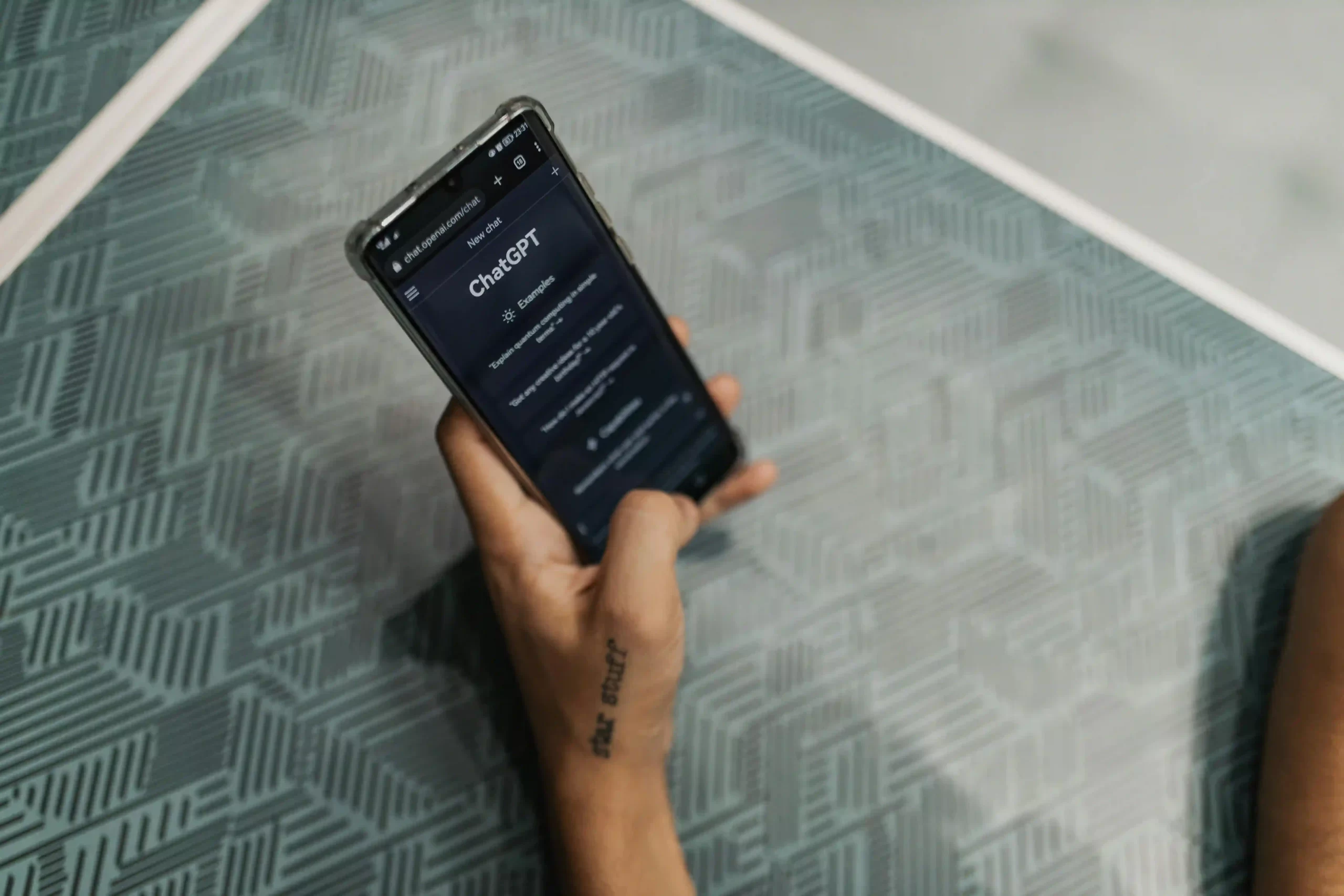
How ChatGPT Helps Me Work Remotely and Homeschool My Kids
Disclaimer: The content in this post reflects my personal experience using ChatGPT to support both my professional work and homeschool planning. I am not offering legal, medical, or educational advice. Readers are encouraged to use discretion, fact-check AI-generated content, and consult appropriate professionals as needed. While I find ChatGPT to be a helpful tool, it is not error-free or a substitute for critical thinking, human judgment, or professional expertise.

How ChatGPT Helps Me Homeschool While Working Remotely
I’ve been in my field of work for almost two decades, so I’m no stranger to navigating client requests, building strategies, and delivering on fast-moving project timelines. But these days, I’m doing all that while also homeschooling my children — and that’s no small feat. One tool that has made both of these worlds easier to navigate is ChatGPT. It doesn’t magically make homeschooling or remote work possible, but it does support and enhance the way I’m able to juggle both. Here’s how.
Saving Micro-Time Adds Up
Just now, I used ChatGPT to help me draft a quick message to my internal team. I needed to let them know that I’d created a preliminary list of training modules (at the client’s request) and wanted their feedback. Importantly, I wasn’t asking them to research specific modules — just to offer broad topics I could look into. Before using ChatGPT, a message like that would’ve taken me 5 to 10 minutes to write, making sure I clearly explained what I was asking, framed it as a client request, and reassured them I’d handle the legwork. Using ChatGPT, I drafted it in 1 to 2 minutes. That time savings means I can take five extra minutes to do a spelling activity with my oldest. It might not sound like much, but if I can carve out three 5-minute learning bursts a day, that’s 15 minutes of quality homeschooling added back into our routine — without compromising my client work. And if you’ve read my other post on quality over quantity, you know that 15 minutes, spread across a day, can absolutely be meaningful.
Building a Curriculum with Support
At this point, I haven’t committed to any specific curriculum. Not because I’m indecisive — it’s because I genuinely enjoy building my own. But that does take planning. One of the biggest time savers for me has been using ChatGPT to generate draft curriculum ideas based on my initial vision. I don’t blindly copy and paste those ideas into our homeschool plan. Instead, I use ChatGPT as a brainstorming partner, then compare what it gives me against my own notes, trusted learning resources, and what I know works for my kids. I don’t tend to plan the entire year all at once — my children are still very young. Instead, I think in terms of monthly and quarterly rhythms. ChatGPT helps me take my scattered notes and shape them into something I can act on quickly and share with my husband.
Getting Back to Basics When You’re Not a Newbie
Here’s something else that might resonate if you’re a working parent with years of experience: Sometimes the simpler tasks — the ones that used to be second nature — require more mental energy than you’d expect. Why? Because what’s obvious to you may not be obvious to a new team you’re supporting. I’ve found myself saying things to ChatGPT like: “I have an intro call with a client tomorrow. I’ll be sharing a few key points. Can you suggest some open-ended questions that will spark conversation and get them talking?” ChatGPT gives me a quick list of prompts that I can tailor or refine, without me having to dig through old slide decks or notes to reorient myself. That frees up brain space for more creative, thoughtful work — and for homeschooling.
Recap: 5 Ways ChatGPT Supports Working + Homeschooling Parents
- Save time on small tasks: Drafting emails, Slack messages, and quick notes with ChatGPT frees up minutes that add up to meaningful homeschool moments.
- Turn scattered ideas into plans: Voice-text your ideas and let ChatGPT help structure them into curriculum or lesson formats.
- Build month-by-month curricula: Use AI to get inspired, not replace your judgment.
- Revisit “basic” knowledge with support: Get prompts or refreshers for things you already know but haven’t needed to explain in a while.
- Streamline client communication: Stay clear, efficient, and professional — even when you’re switching between homeschool mode and client mode 20 times a day.
Quick Start Guide: What If I’ve Never Used ChatGPT Before?
If you’re new to ChatGPT, don’t worry — it’s easier than you think. Here’s a simple guide to get started:
What is ChatGPT?
ChatGPT is an AI tool developed by OpenAI that can help you write, brainstorm, research, and plan. You type in a message, and it responds with a thoughtful reply. It can draft emails, create lesson plans, help you think through decisions, and more.
How do I get it?
There are two main ways to access ChatGPT:
- On your phone: Search for “ChatGPT” in the Apple App Store or Google Play Store and download the official app (by OpenAI).
- On your computer: Go to chat.openai.com
You’ll need to create a free account using your email address. From there, you can start chatting with the tool immediately.
What can I use it for?
- Drafting messages or documents
- Lesson planning
- Getting ideas for activities or games
- Time-saving summaries or explanations
- Brainstorming for work or home life
- Asking “how would you explain ___ to a 5-year-old?”
Cautionary Notes for Using ChatGPT
A quick word of caution: ChatGPT is not perfect. It doesn’t replace your judgment or the need for real sources — but it’s a phenomenal tool for getting unstuck, speeding up tasks, or adding clarity when you’re pressed for time.
And a Couple of Notes on Using AI Responsibly
- Don’t share private info. Avoid putting in personally identifiable information (PII) like full names, addresses, birthdays, or medical/financial records.
- Double-check advice. Especially when it comes to legal, medical, or educational matters—always use it as a draft or starting point and verify with trusted sources.
One More Word of Caution: Be Mindful of Bias
AI tools like ChatGPT are trained on large sets of human-written content—and that content can reflect existing cultural, gender, racial, or other biases. The tool doesn’t intend to be biased, but:
- Its responses may sometimes reflect dominant perspectives or leave out underrepresented voices.
- It may assume certain norms (like nuclear family structures, U.S.-centric viewpoints, or traditional gender roles) unless prompted otherwise.
Tip: Ask it explicitly for more inclusive language, or say something like: “Give me examples that reflect diverse cultural backgrounds” or “Suggest curriculum resources that include Black, Indigenous, and other people of color.”
Final Thoughts
Whether you’re a seasoned professional, a homeschooling parent, or someone juggling both, ChatGPT can be a supportive co-pilot that lightens your load and brings fresh perspective to your daily planning. It’s not a perfect tool—but when used thoughtfully, it can help you brainstorm faster, structure your ideas, and feel less alone in the constant decision-making. Try it out, stay curious, and don’t be afraid to experiment with how it can best work for you. If you’ve already used it to make your life easier, I’d love to hear how in the comments!